Pixel Character Animation

One-click Sprite Sheet & GIF

Try now
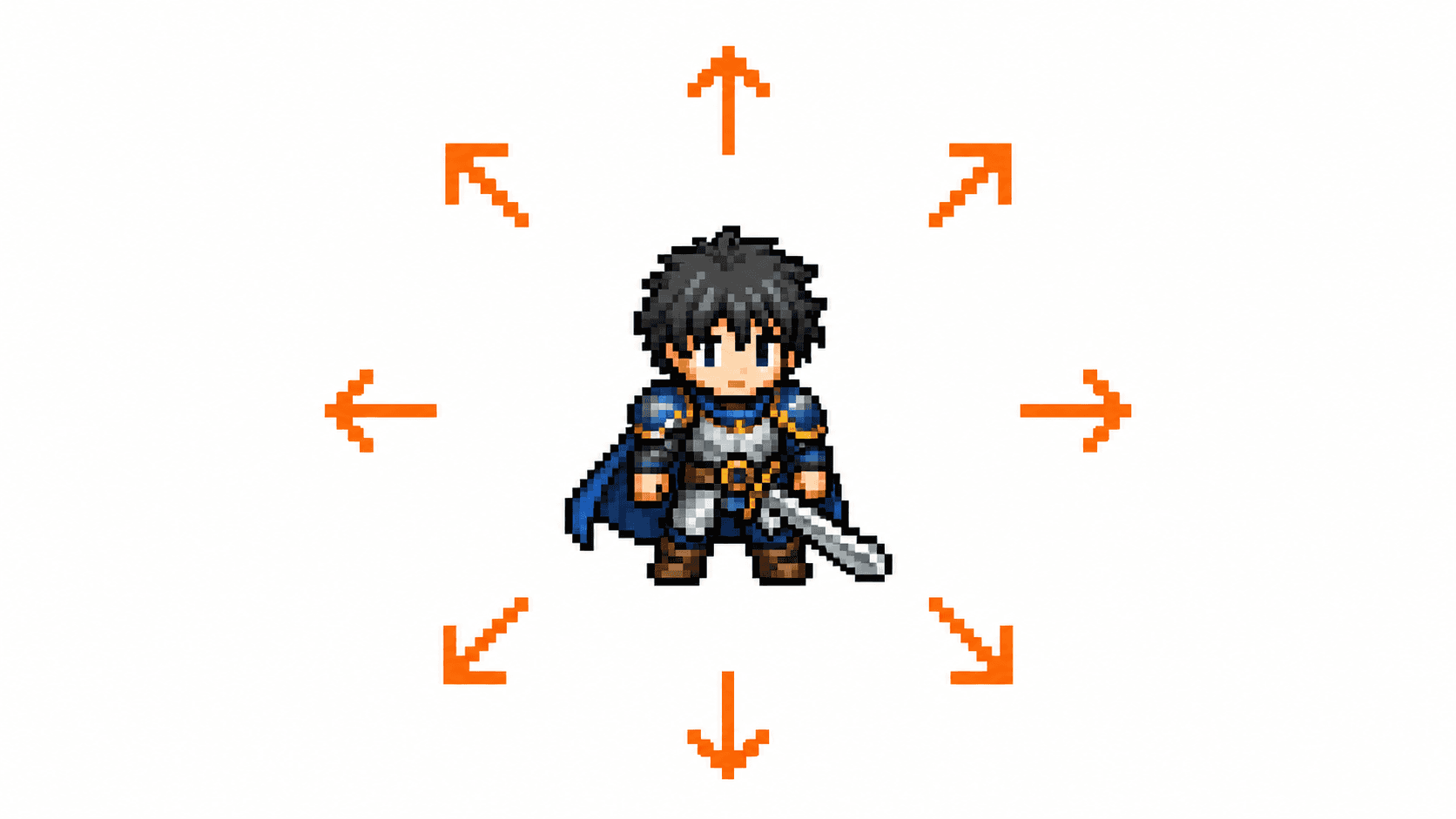
  • AI pixel characters — 8-direction walk cycles
  • Transparent PNG frames / sprite sheets for Godot & Unity
  • Characters, props & icons with high consistency
  • Pay as you go — cheaper than video AI
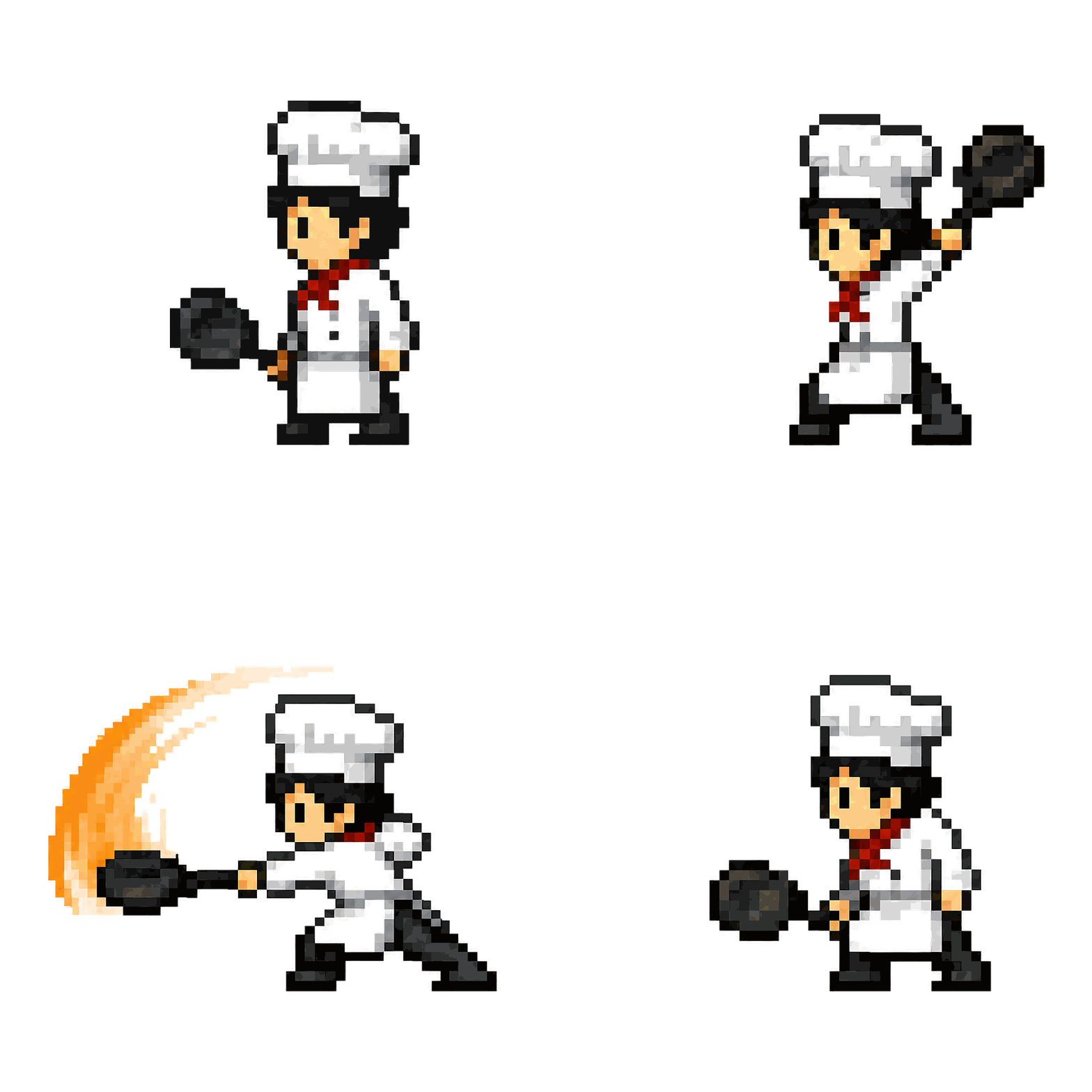
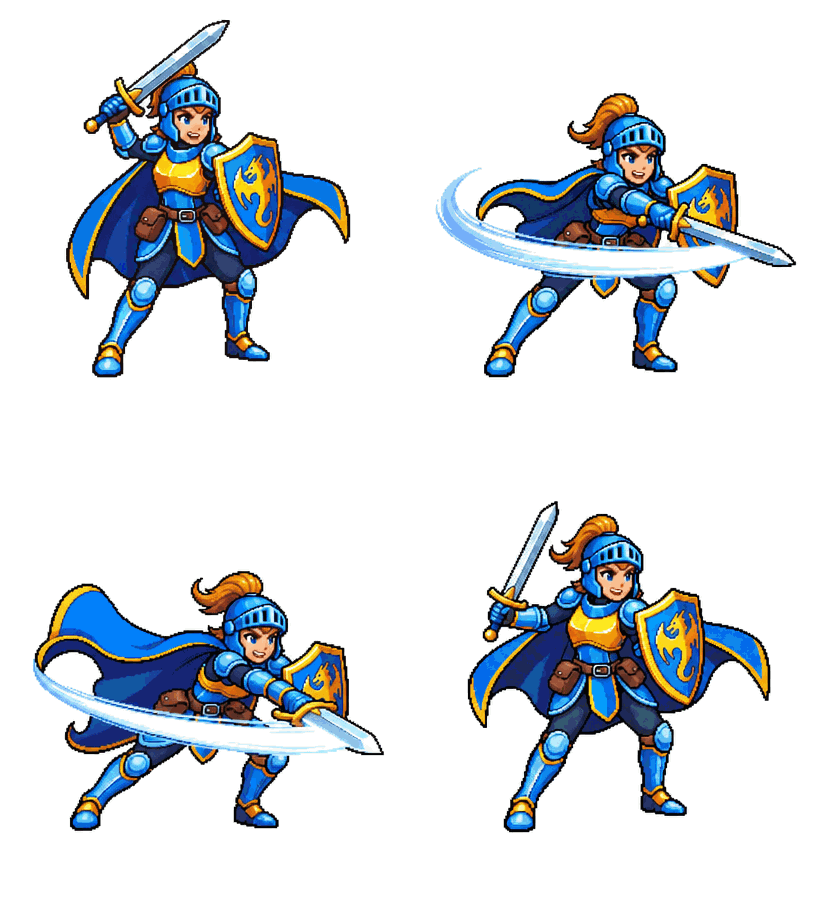
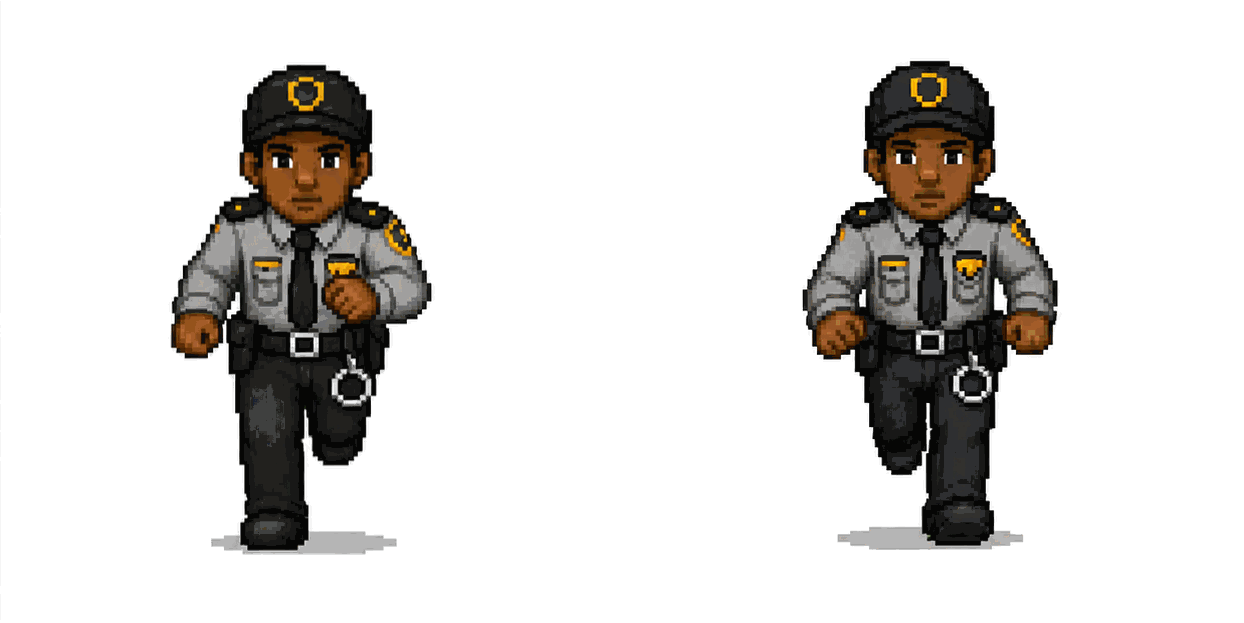
AI-generated pixel character walk animation preview
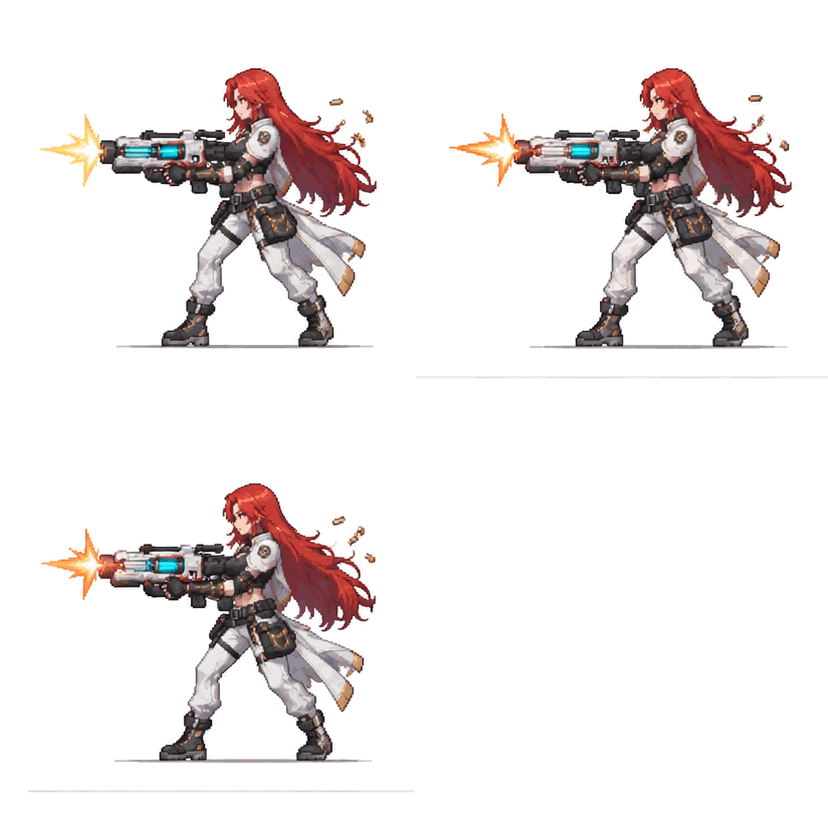
AI-generated pixel character action sequence preview
AI-generated pixel character multi-direction animation preview
AI-generated pixel character sprite animation preview
AI-generated pixel character loop animation preview
AI-generated pixel character GIF animation preview

Core capabilities

01
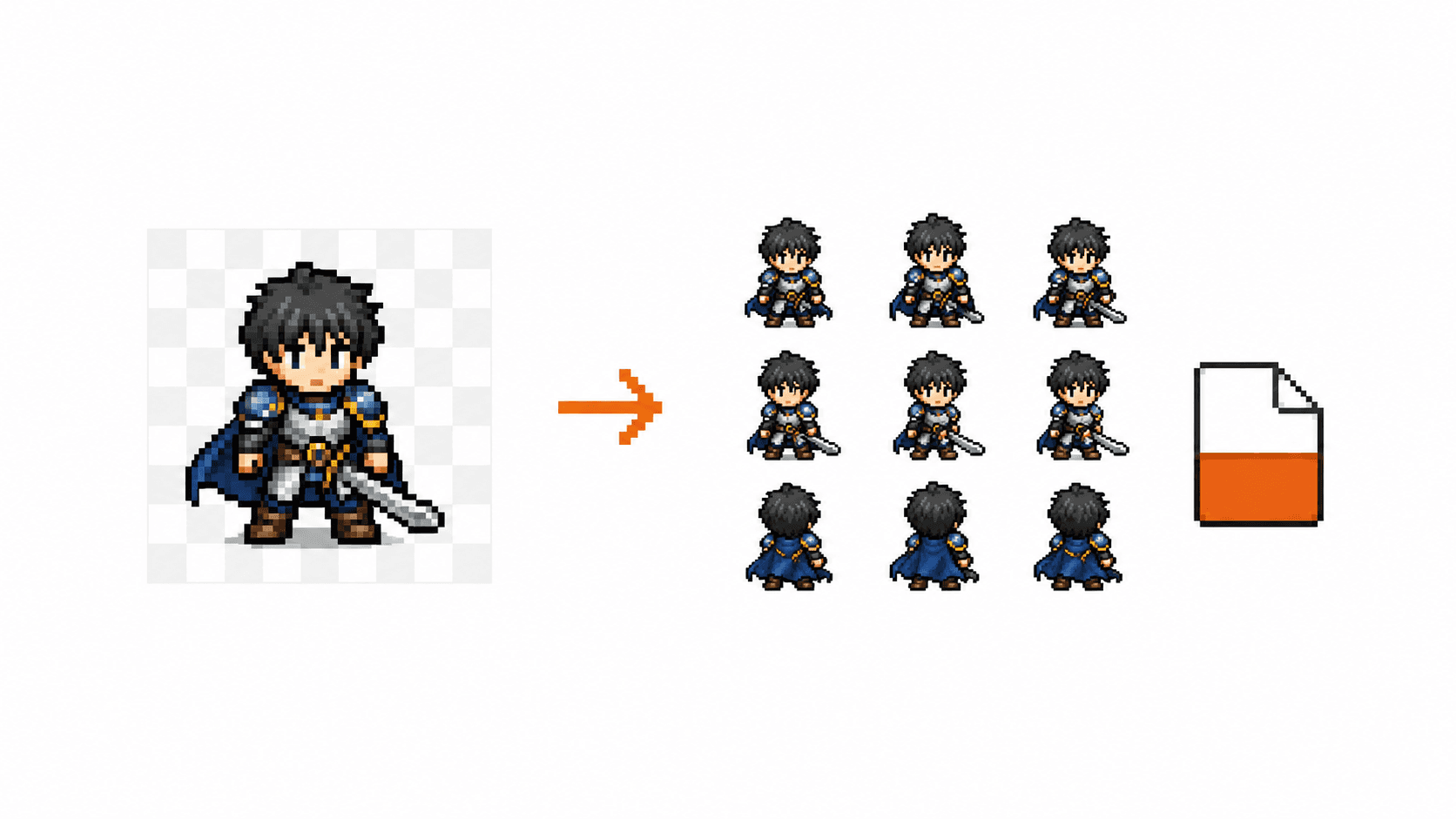
8-direction sprites

8-direction sprites

Generate actions in 8 facing directions — ideal for RPG / ARPG pixel characters
02
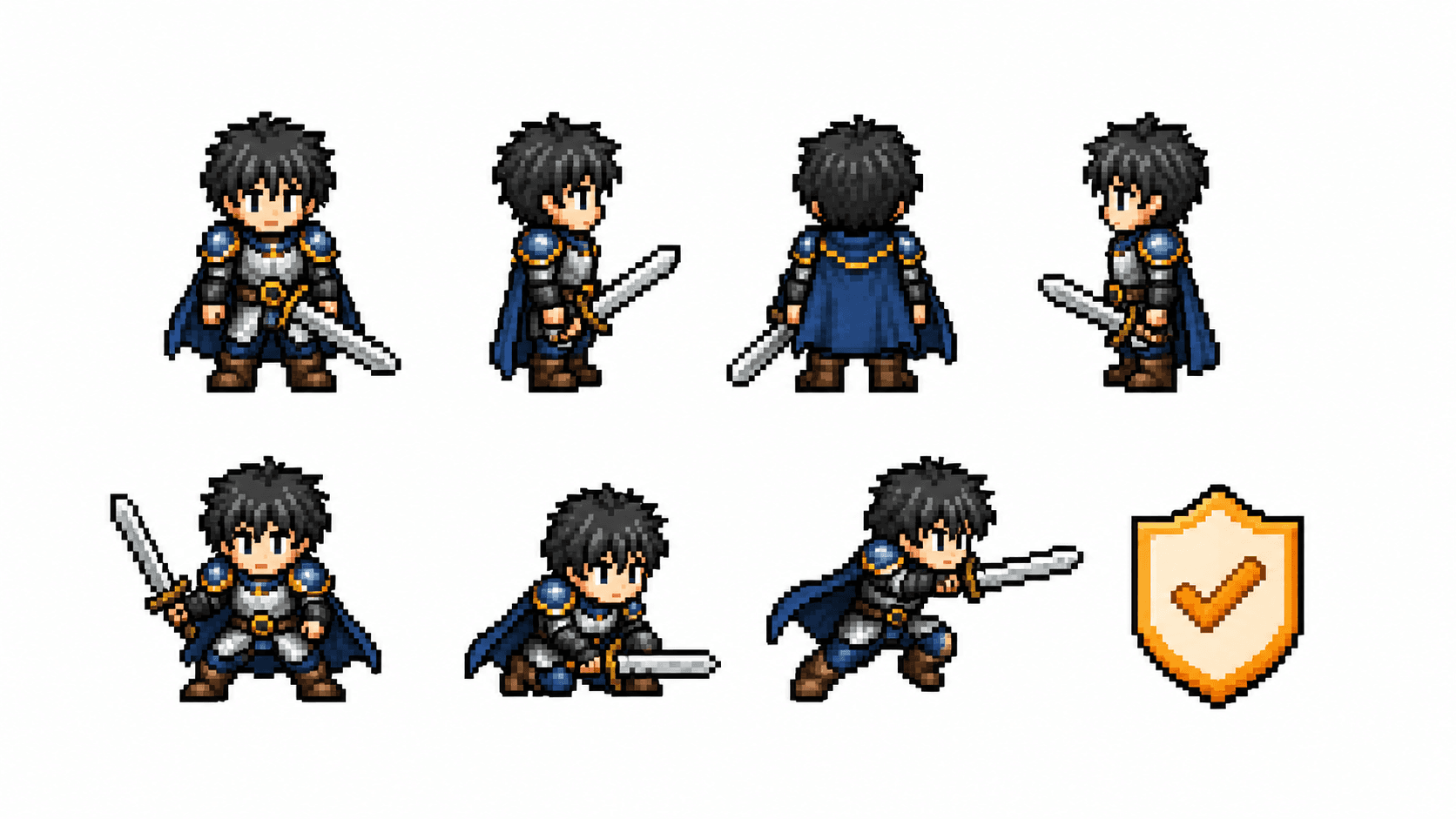
Transparent export

Transparent export

Export with transparent background — ready for sprite sheets, GIFs and game engines
03
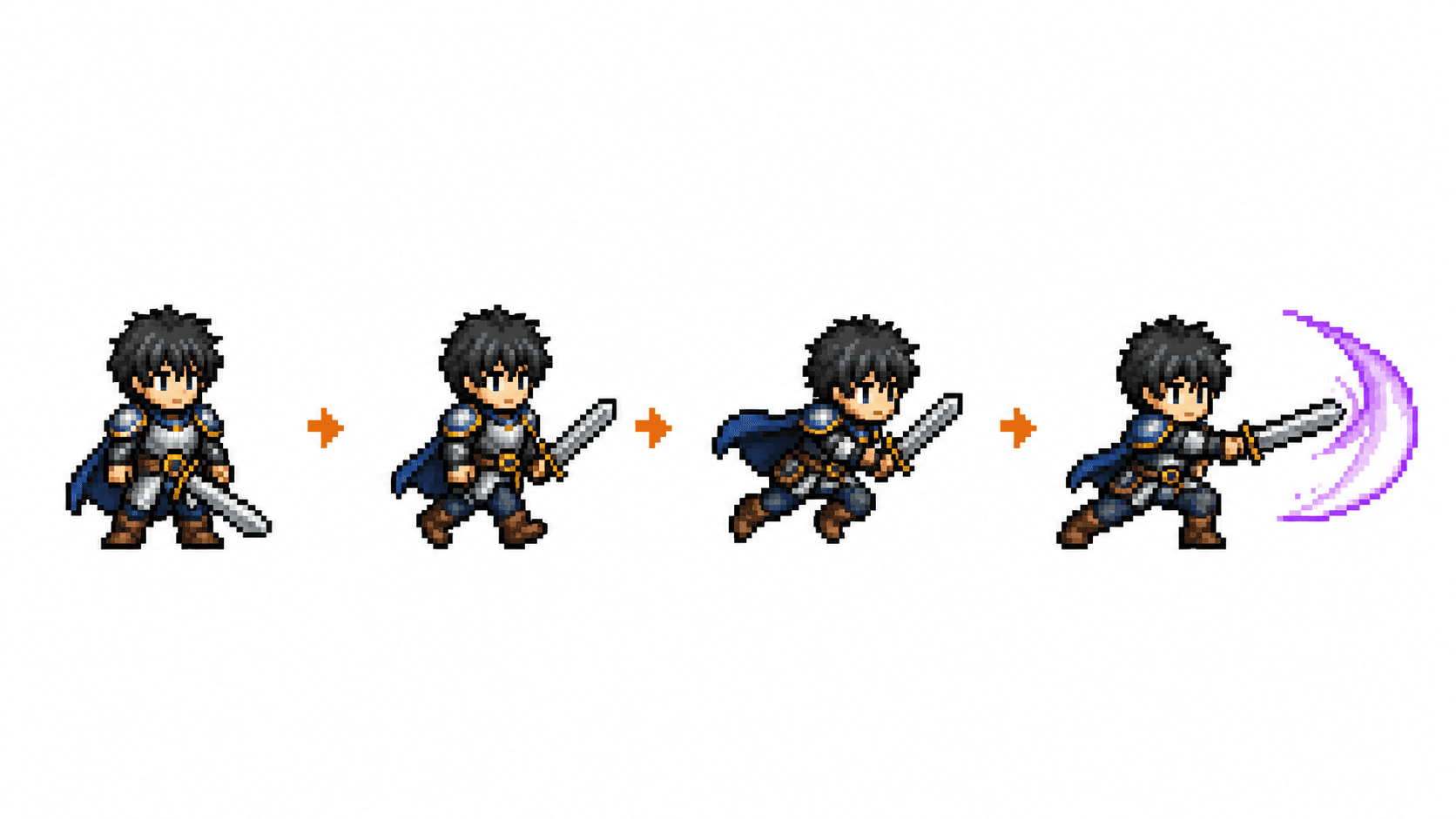
Character consistency

Character consistency

Keeps hairstyle, outfit, weapons and body shape consistent across frames
04
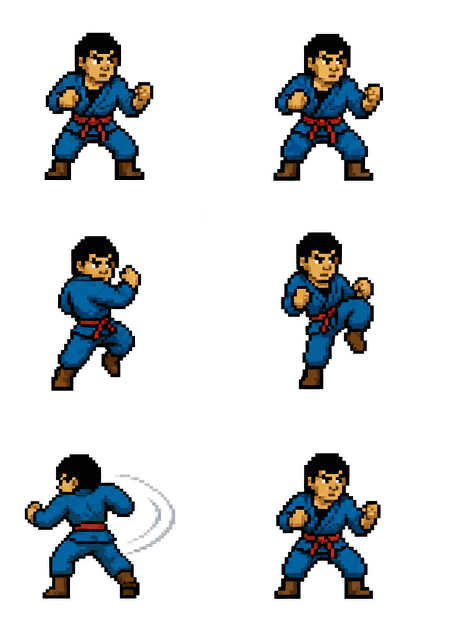
Rapid action expansion

Rapid action expansion

Quickly add Idle, Walk, Run, Attack and more actions from an existing character
Featured examples

AI-generated ninja pixel character combo attack GIF animation

Character combos (complex fluid actions)

TurnKickAttack

16 frames

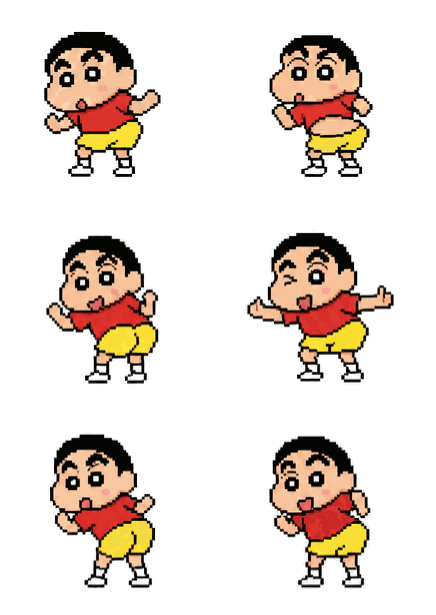
AI-generated mage pixel character dance loop animation

Complex performance

DanceLoop

14 frames

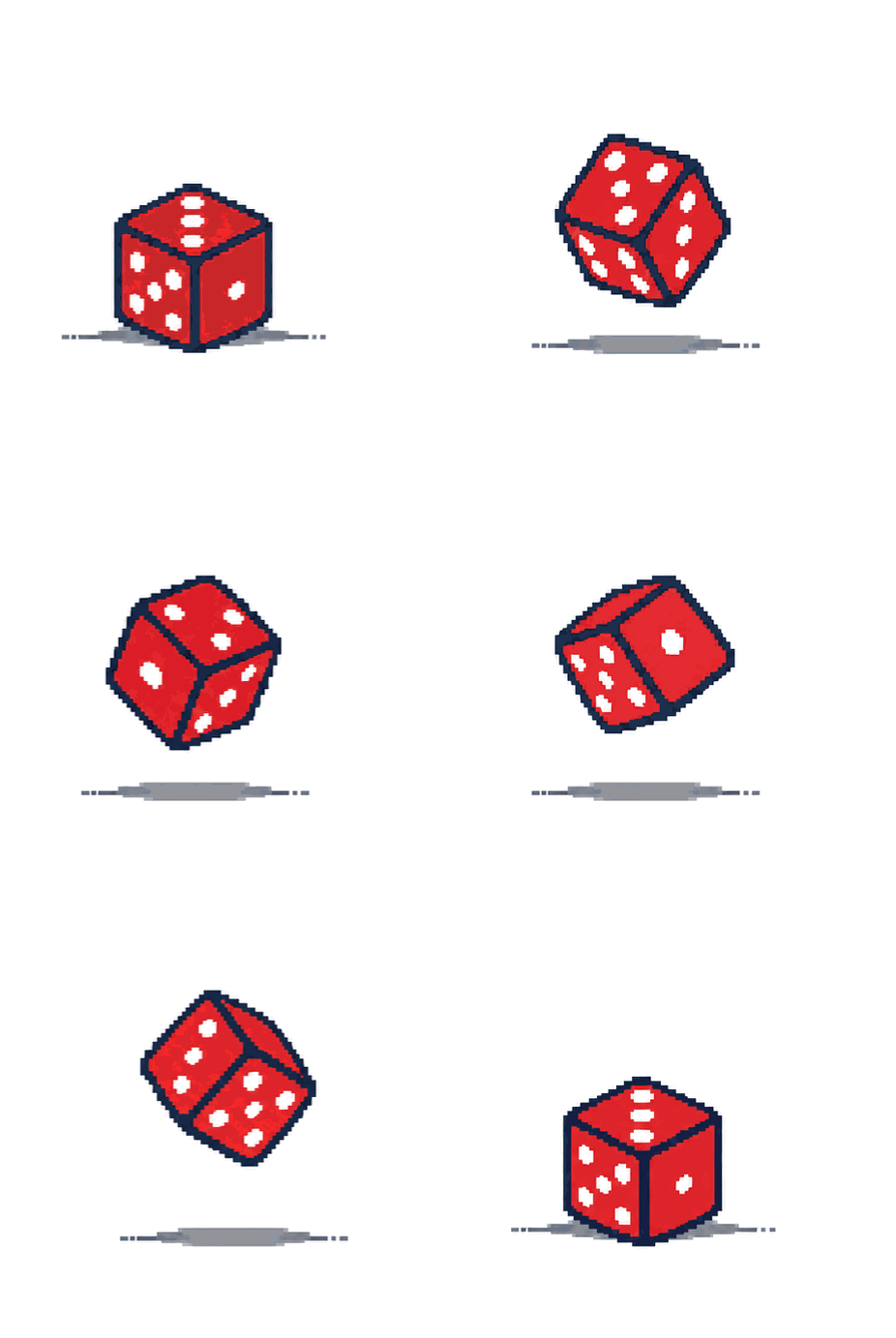
AI-generated chef pixel prop roll and bounce animation

Prop animation

RollBounce

10 frames

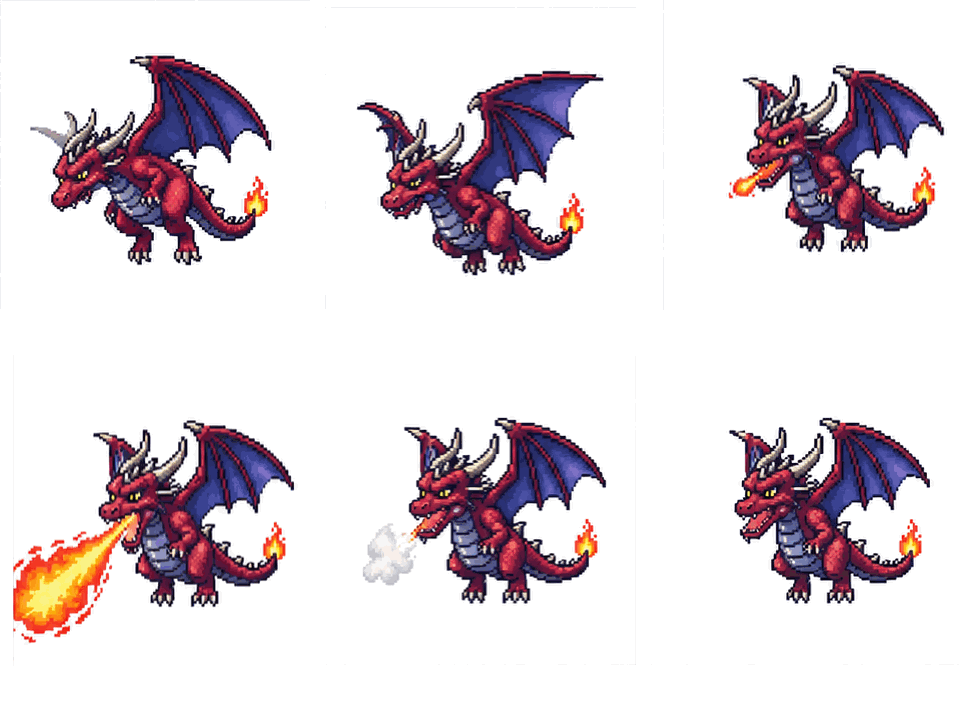
AI-generated hero pixel character flying action sprite frames

Monster actions

FlyAttack

12 frames

What is PixelSprite?

PixelSprite is an online AI pixel character animation and sprite sheet generator. Upload a reference image to create four- or eight-direction walk cycles, idle, run and other sequences, then export transparent PNG frame sequences, sprite sheets and GIFs for Unity, Godot, GameMaker, RPG Maker and other 2D engines.

Compared with hand-drawing every frame in Aseprite, PixelSprite is built for fast demos, batch output and RPG, ARPG and roguelike 2D pixel games. Sign up for trial Tokens and top up as you go — get characters moving without outsourcing art.

FAQ

How many frames can PixelSprite generate?
Depending on action complexity and grid settings, typically 8–16 frames or more. Supports Idle, Walk, Run, Attack and other common actions.
What export formats are supported?
Transparent PNG sprite sheets, PNG frame sequences (ZIP) and GIF animations — import into Unity, Godot, GameMaker, RPG Maker and other engines.
Is there a free tier?
You get trial Tokens when you sign up. Try generation and export for free, then top up Tokens as needed.
How is this different from Aseprite?
Aseprite is a professional pixel editor where you draw every frame by hand. PixelSprite uses AI to generate multi-direction action sequences from a reference — better for rapid prototyping and batch output.
Which languages are supported?
Simplified Chinese, Traditional Chinese, English, Japanese and Korean.
What games is it best for?
Especially RPG, ARPG and Roguelike 2D pixel games that need 4/8-direction walk cycles and character action sequences.
Is a sprite sheet the same as a sprites atlas?
A sprite sheet is one PNG grid containing all animation frames. PixelSprite exports the full sheet and a ZIP of individual transparent PNG frames — both work in Godot, Unity and similar engines.